
Postman
To streamline your testing and troubleshooting processes, we have created predefined request templates that adhere to our API structure. These templates can be used in Postman, providing a convenient and efficient way to test and debug your integration with us. You will receive responses and error messages if the passed data is incorrect, helping you quickly identify and resolve issues.
Prerequisites
- Follow this link to open Postman with predefined templates.
- Navigate to Environments and export 2 files: PROD and STAGE. These files contain key-value pairs that define the production and stage environment variables respectively. They will be downloaded to your machine as PROD.postman_environment.json and STAGE.postman_environment.json.
- Click Public Centrobill Collection, then - Fork in the upper right corner. This creates a working copy that you can use for testing.
- Import the PROD.postman_environment.json and STAGE.postman_environment.json files into your Postman working copy by clicking Import from the Environments menu.
- Once imported, select the environment where you would like to perform the testing, before running your API requests. To do so, click the No environment dropdown in the upper right corner and select the needed environment.
NoteNot selecting the environment will result in failed requests.
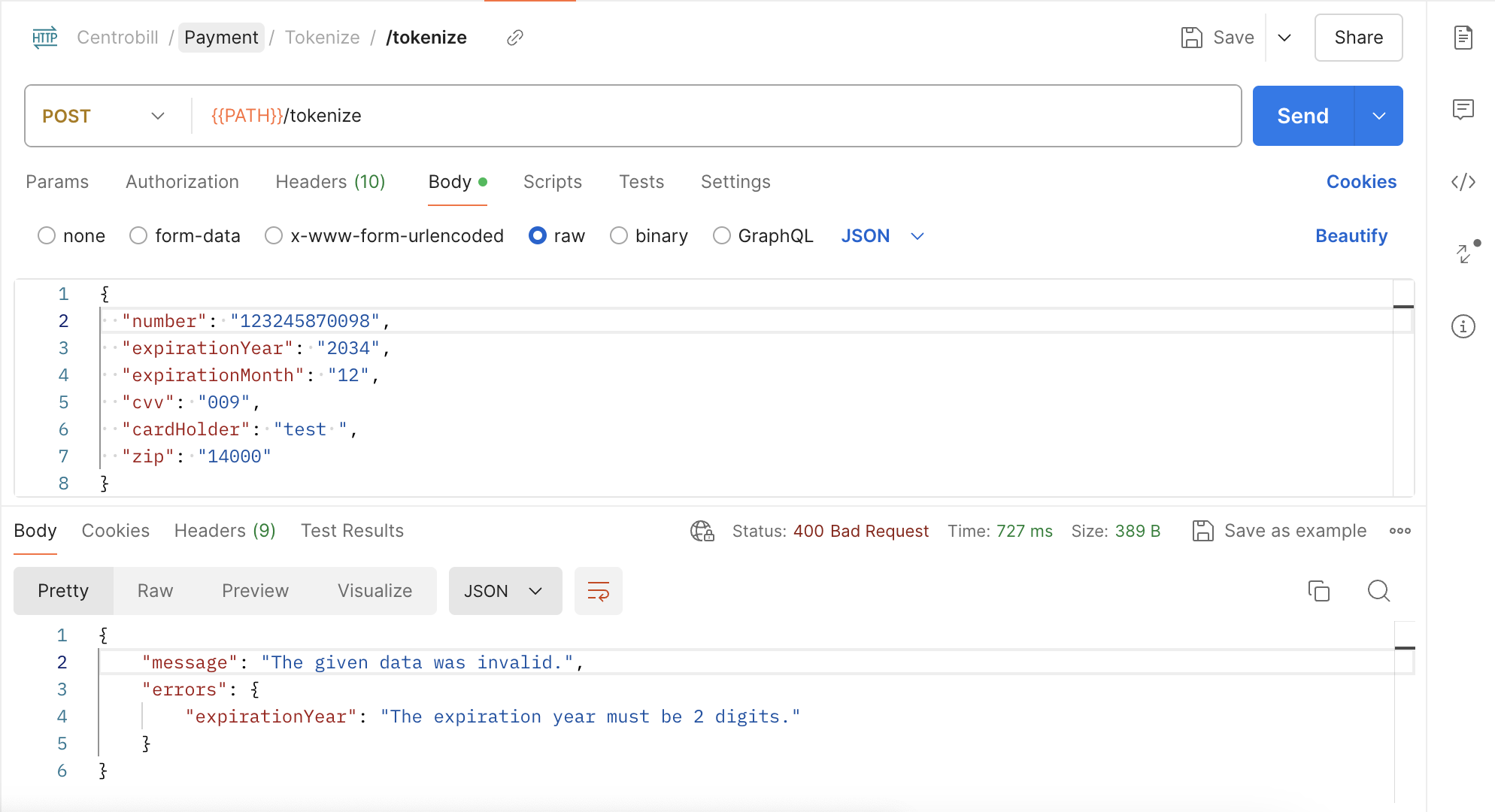
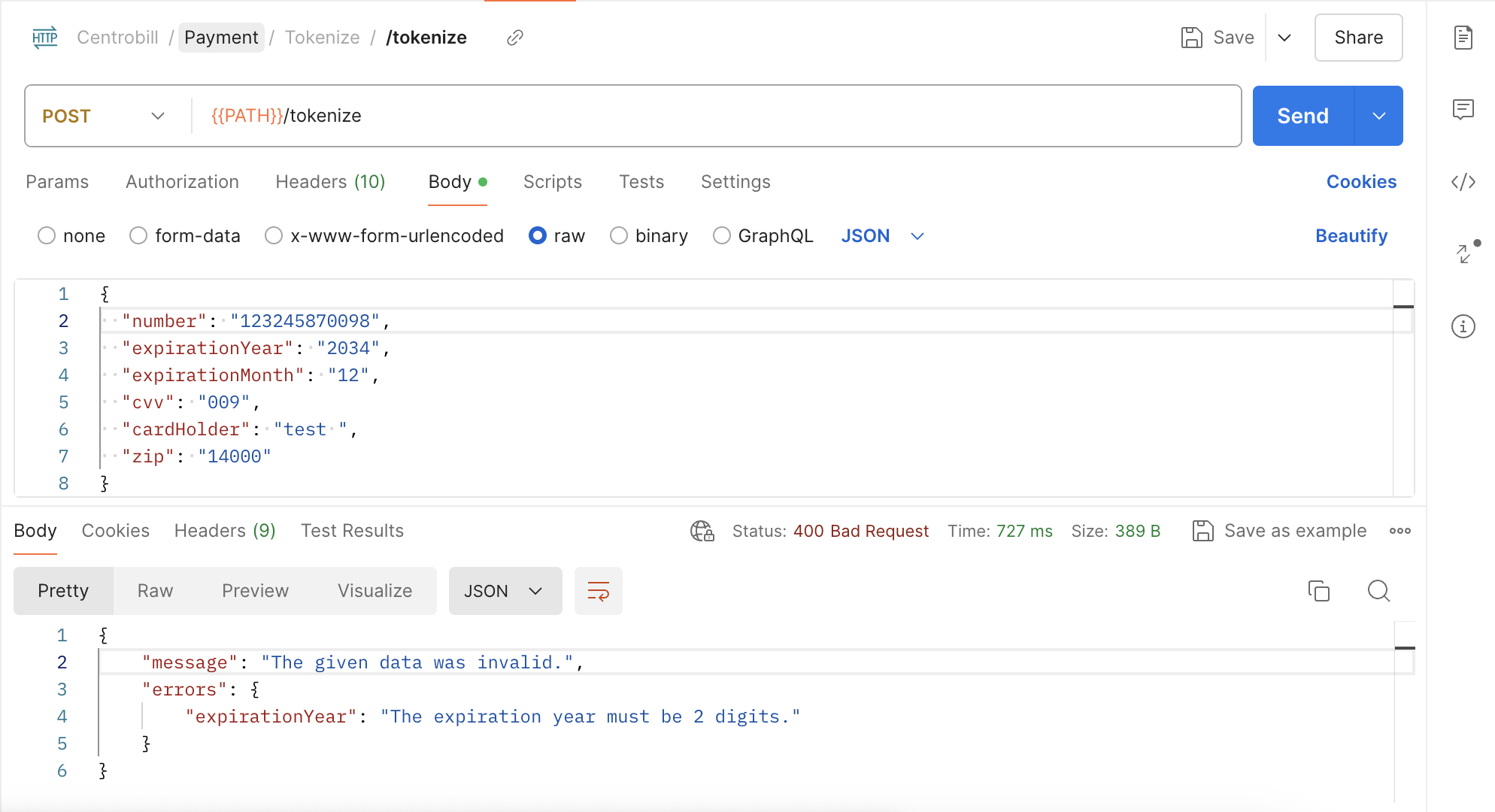
Request/response example for tokenizing data:
Updated 4 months ago
Did this page help you?