
Login page
This article will walk you through the login page, where you can securely connect to your account and take the first step on your journey with us.
Sign in
To sign in to the Centrobill Merchant Portal, enter the email and password used during account registration and click Sign in.
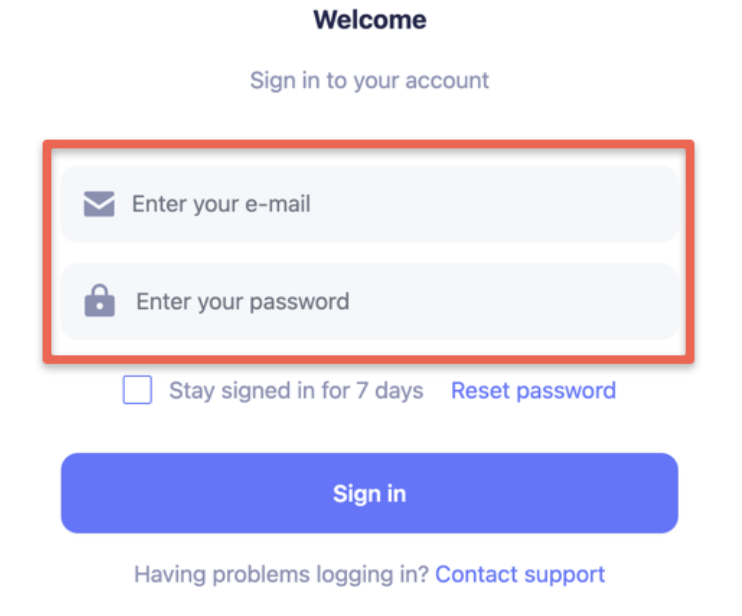
To remain logged in on the portal for seven days without re-entering credentials, simply check Stay signed in for 7 days.
Reset Password
To reset your password, click Reset password. Enter the email associated with your account to receive a link for resetting your password and click Continue. Once you receive the link via email, click it and follow the instructions to set your new password.
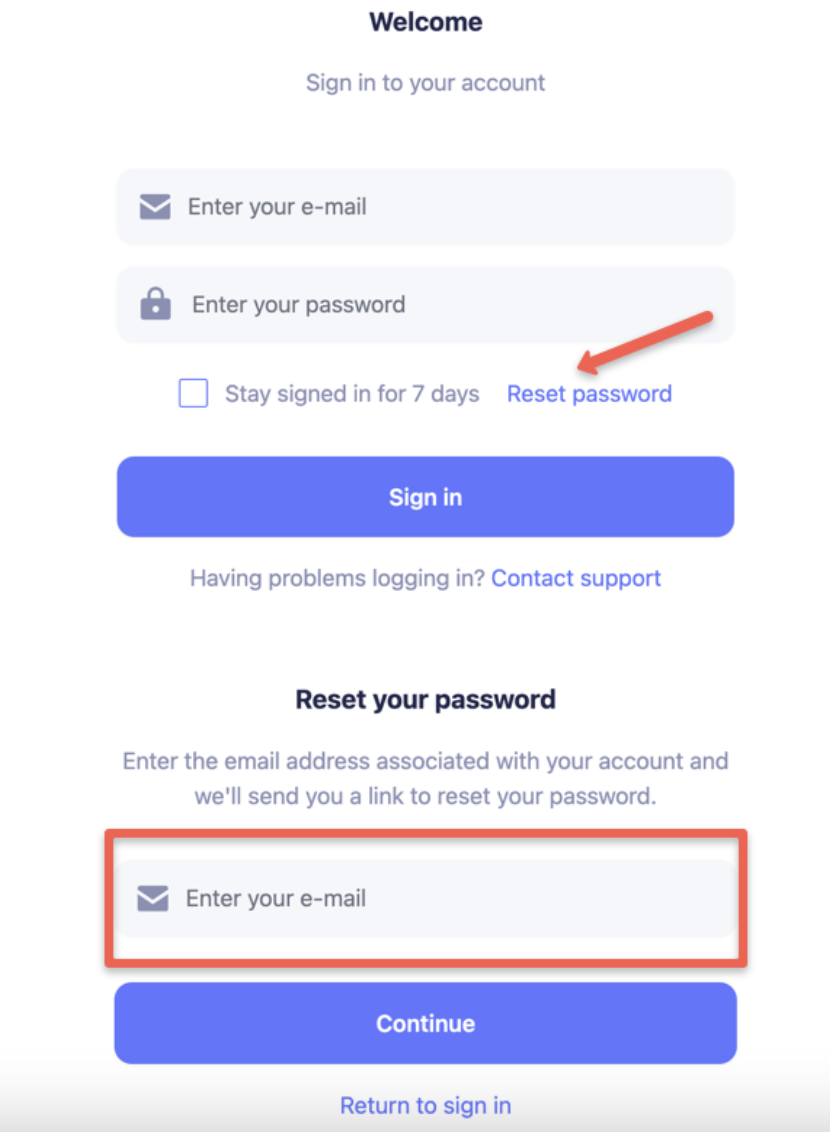
NoteThe link is valid for 60 minutes. If you haven't set the new password within 60 minutes and the link has expired, please submit a new request to reset the password.
Contact support
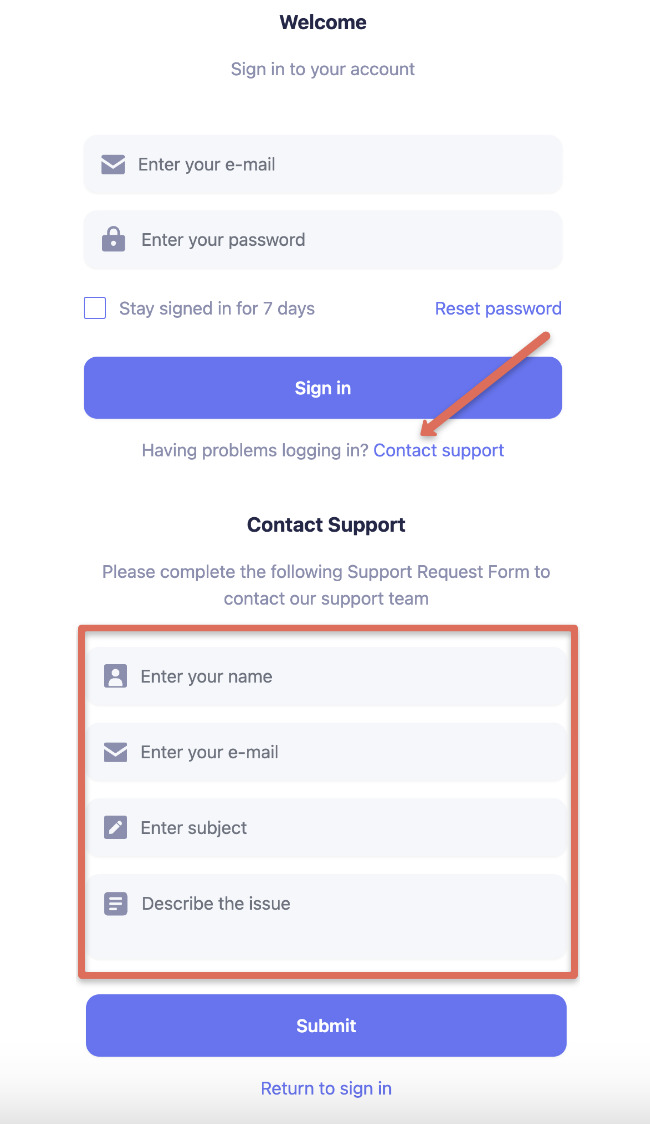
To contact the support team, click Contact support and provide as much detail as possible about your question in the form displayed below. The Support team will contact you via the provided email within 24 hours.
Two-factor authentication (2FA)
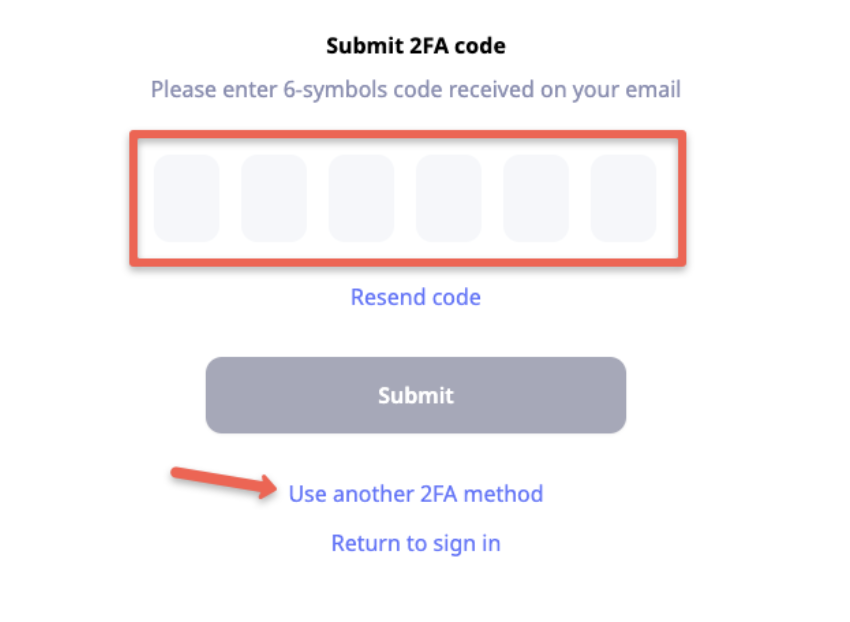
Two-factor authentication (2FA) is a mandatory requirement for all Centrobill Merchant Portal accounts. It has been implemented to enhance the security of all accounts within the system.
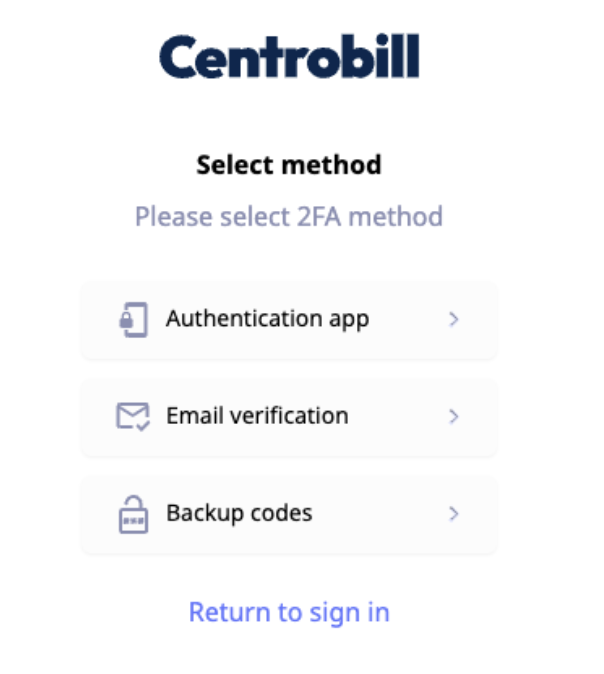
Once the 2FA has been activated for your account, please proceed by submitting your code or selecting another 2FA method that has been activated for your Centrobill account.
Updated about 1 year ago