
Search website subscriptions
To search for website subscriptions:
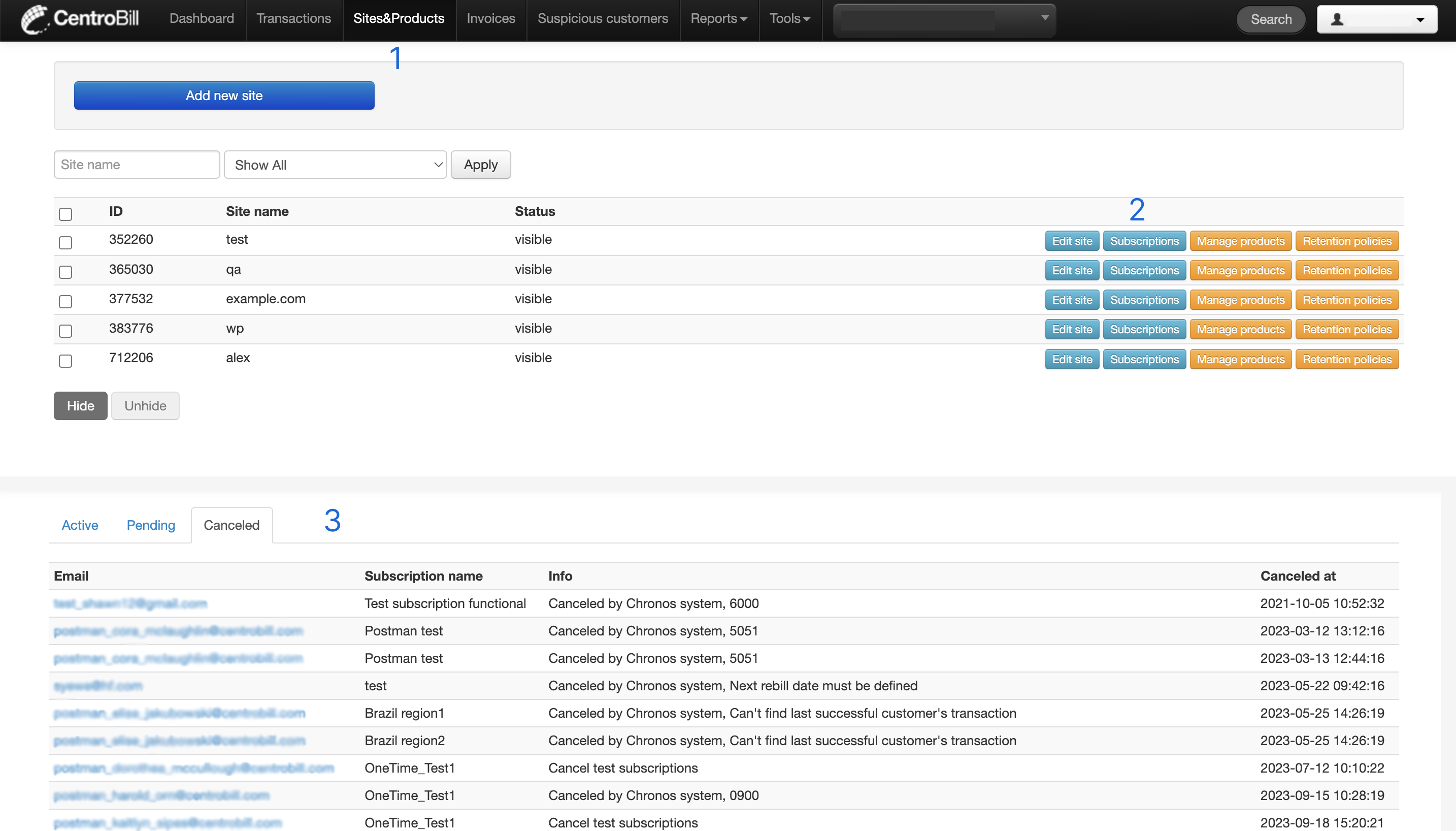
- Navigate to Sites & Products. A page with a website list opens
- In the list, find the relevant website and click Subscriptions next to it
- A page with active/pending/canceled subscriptions opens:
active shows all users (their emails) whose subscription is still active
pending shows all users (their email) whose subscription is in a transition status. For example, a user who bought a subscription for three months, but canceled further recurring payments after one month and ten days
canceled shows all users (their email) whose subscription is canceled along with the cancelation date
Updated about 1 year ago
Did this page help you?