
Manage account security settings
This article will walk you through managing your account security settings.
Open account settings
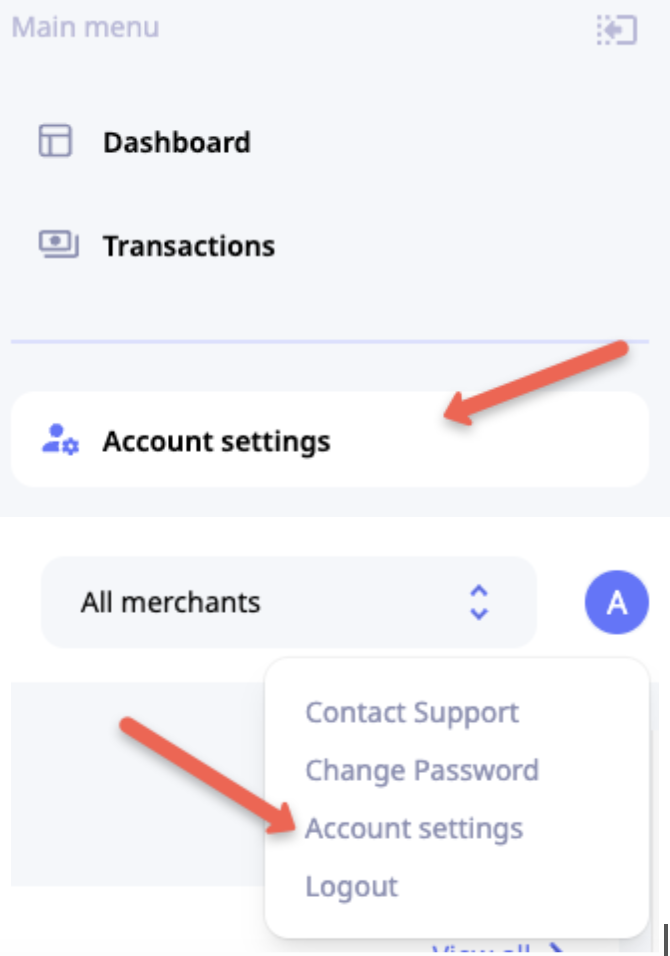
To access Account settings, click Account settings in the main menu or the quick-access menu of the Account icon.
Security
Change password
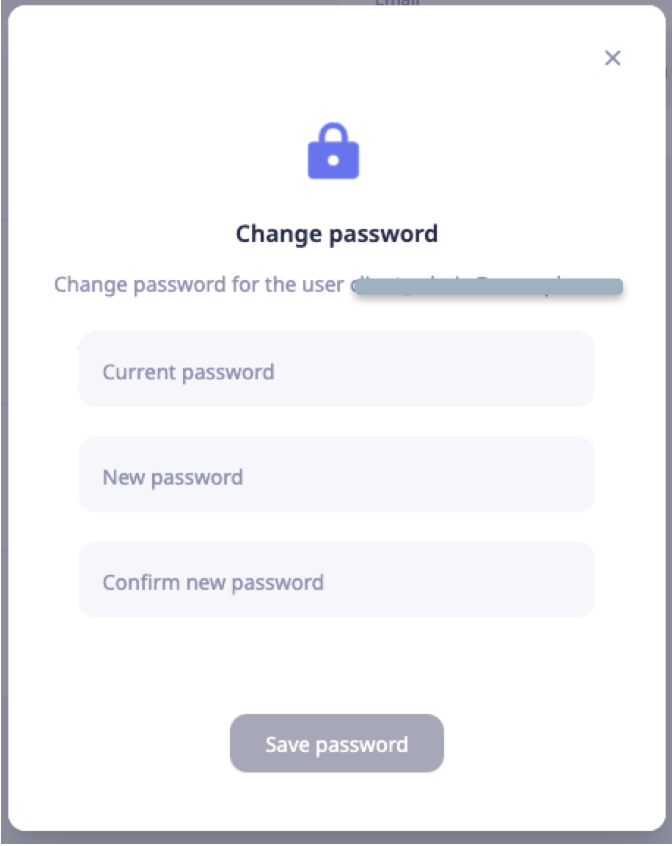
To change your account password, click Change in the Security or click Change password in the quick-access menu of the Account icon.
Proceed with submitting your current password and your new desired password.

Set up 2FA
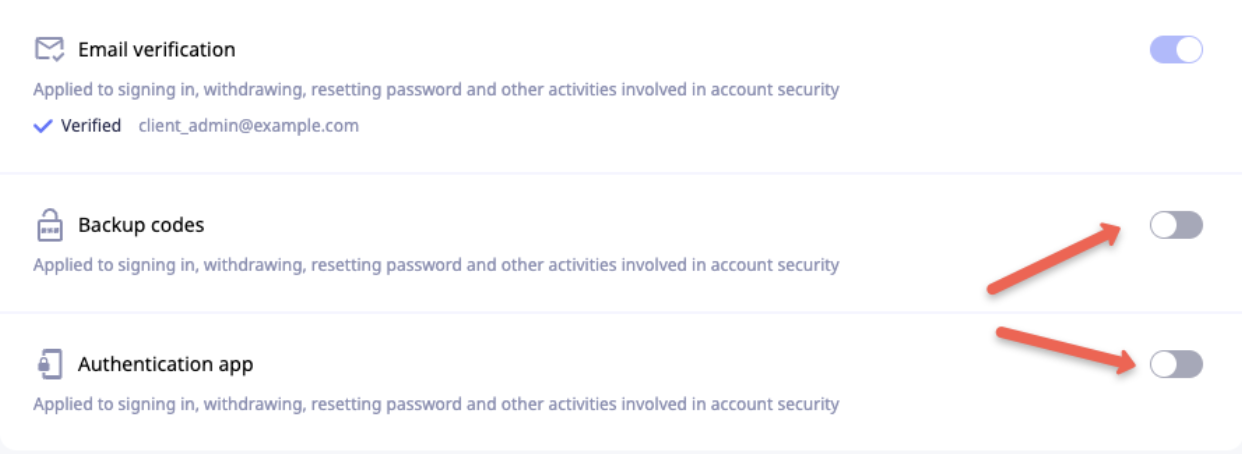
Email verification is a mandatory two-factor authentication method and should be activated during the account creation process. Deactivating the 2FA method is not possible.
Backup codes. To enable the 2FA method, toggle the switcher, and follow the instructions on your screen to generate backup codes and store them safely. Do not share your backup codes with anyone.
Authentication app. To enable the 2FA method, toggle the switcher, and follow instructions on your desktop. You must have an authenticator app on your phone or desktop to activate it successfully.
Set default currency
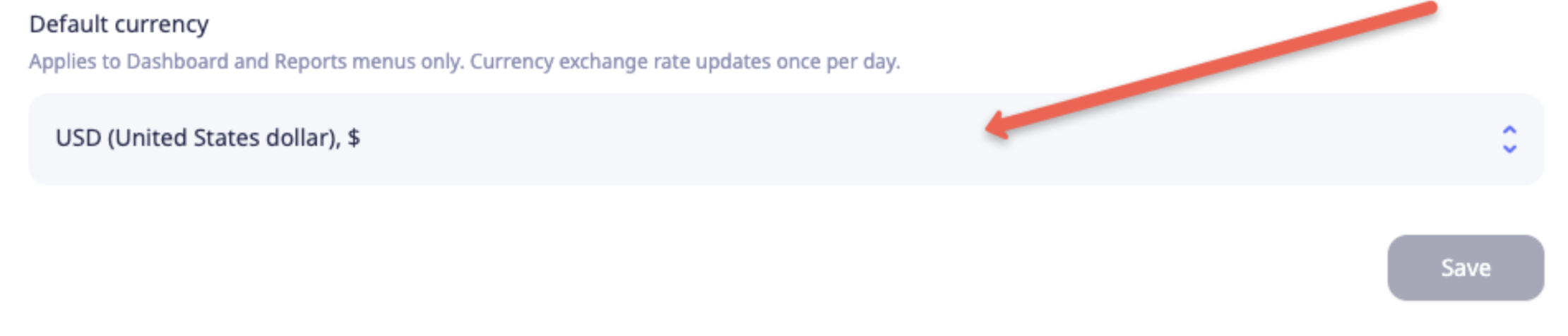
This setting defines the default currency for the Dashboard and Reports menus.
NoteThe exchange rate is updated once per day.
To set the currency, open the dropdown, select the desired option, and click Save. The selected currency will be applied for all future logins from the same browser and can be changed at any time.
Updated about 1 year ago