
Manage reports
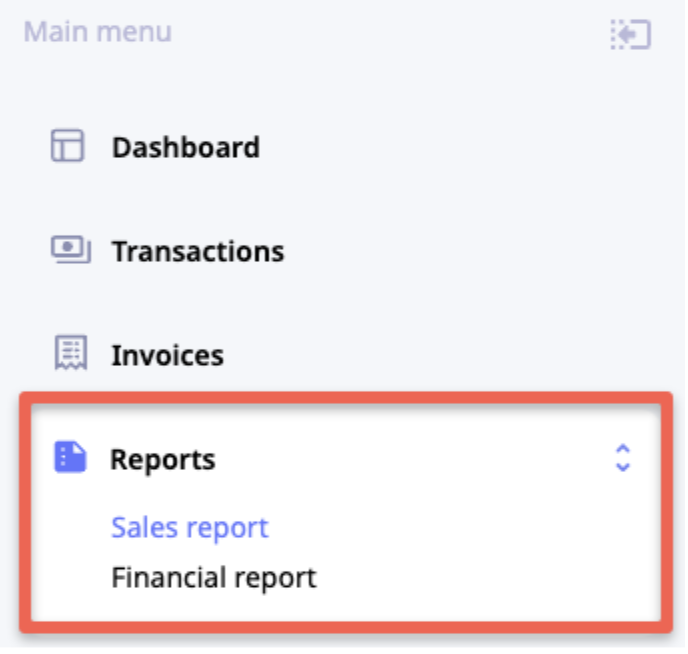
To manage reports, click Reports in the Main menu and select the report type.
Apply filters
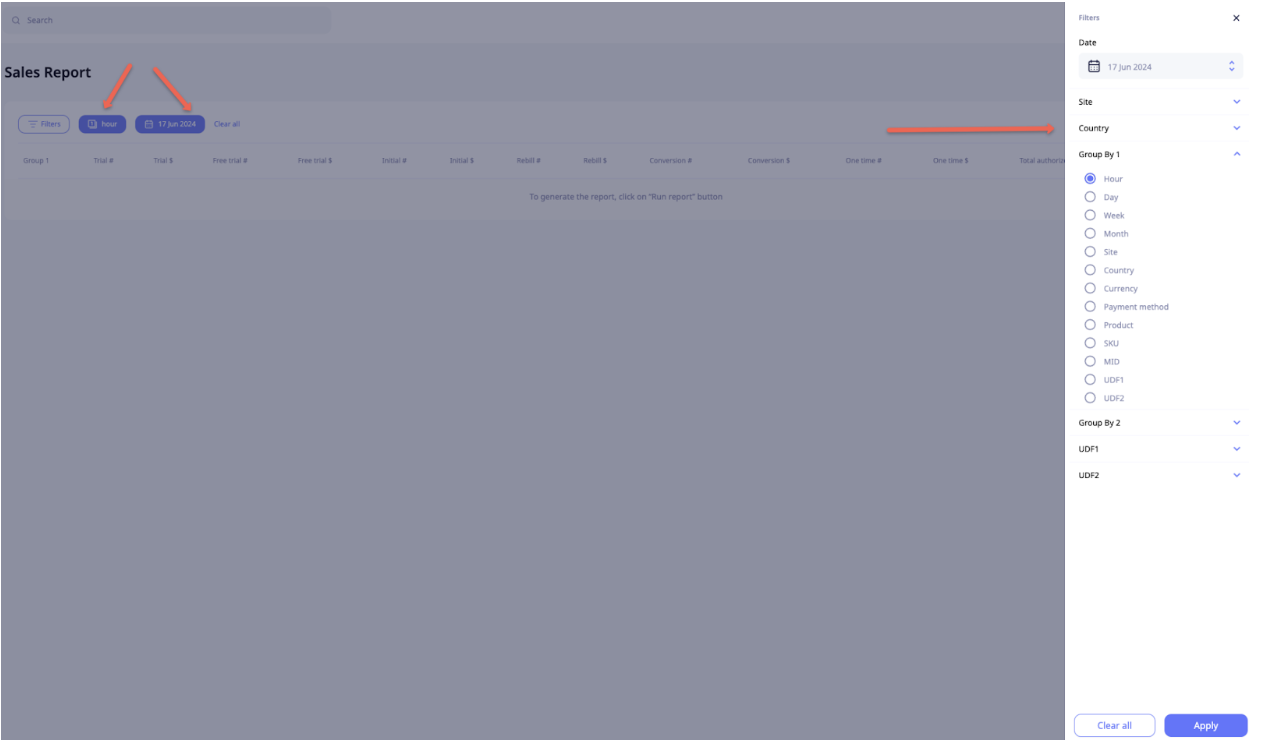
To view and configure filters, click Filters or any already applied filter to open the Filters sidebar menu. Scroll through the sidebar menu to view all available filters. To apply all selected filters, click Apply.
NoteThe Date and Group 1 filters are mandatory and cannot be cleared, though you can adjust them to suit your needs. By default, the Date is set to Today and Group 1 - Hour.
To clear all applied filters, click X on the respective applied filter or click Clear all.
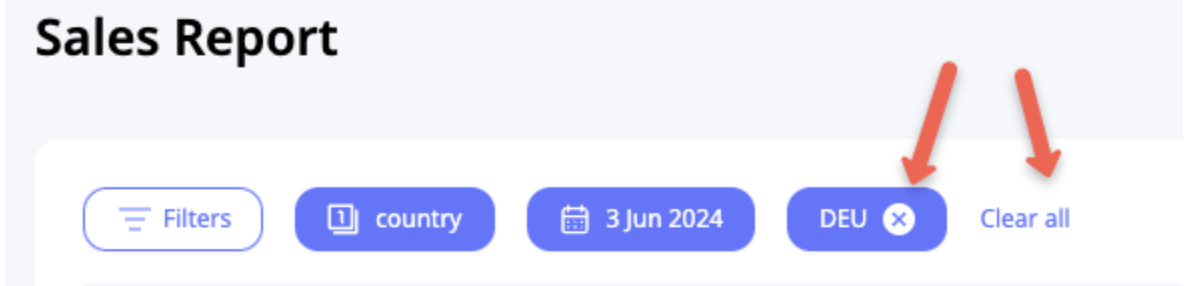
To change the applied filter, click the respective filter button or Filters, adjust the parameters in the Filters sidebar menu, and then click Apply.
NoteUDF1 and UDF2 are optional transaction parameters you can pass in the URL to payment form or API.
Generate report
After you have applied all needed filters, click Run report to generate it.
Download report
To download a CSV file, click Download CSV.
Updated about 1 year ago