
Manage routing
Open the Routing page
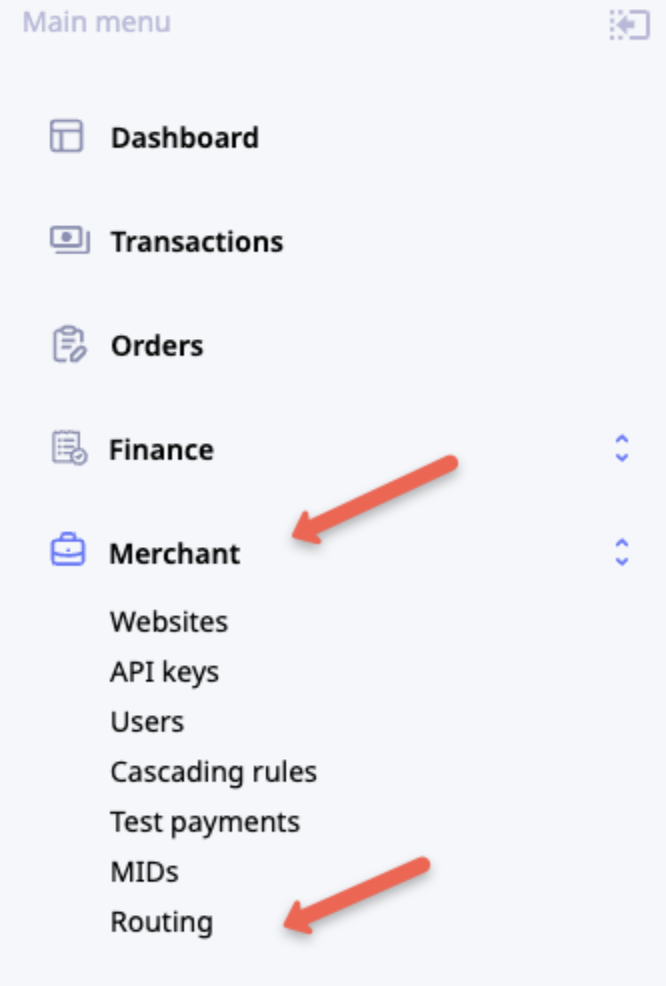
To open the Routing page, go to Merchant > Routing.
View routing configuration
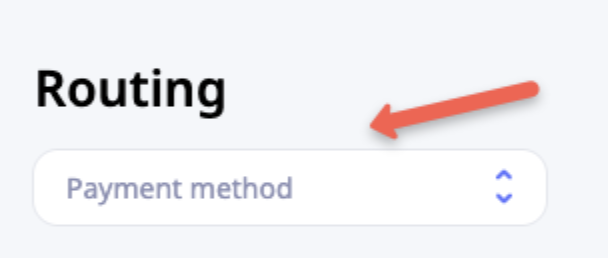
To view a routing configuration, select a payment method from the dropdown list.
View routing history
To view the change history for a routing configuration or restore a previous version:
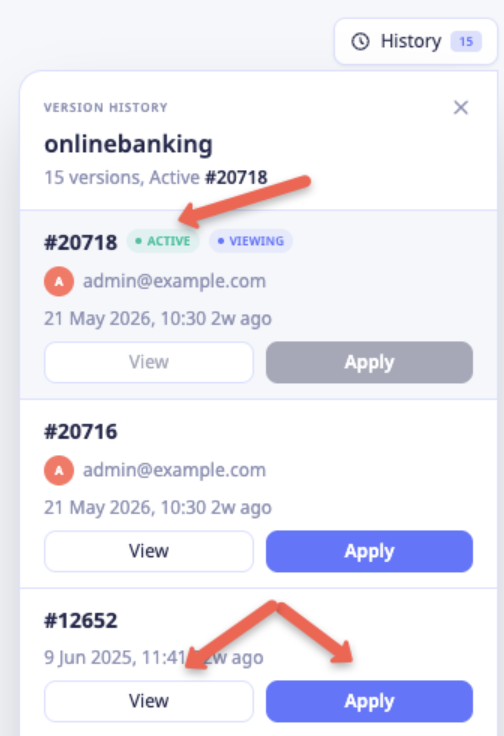
- Open the History menu in the upper-right corner of the page.
- Review the available versions in the history log.
The currently active version is marked with the Active tag.
Restore a previous version
To restore a previous version of a routing configuration:
- Open the History menu.
- Locate the version that you want to restore.
- Click Apply.
When you apply a previous version, the system creates a copy of that version and sets it as the active routing configuration.
Update routing weights
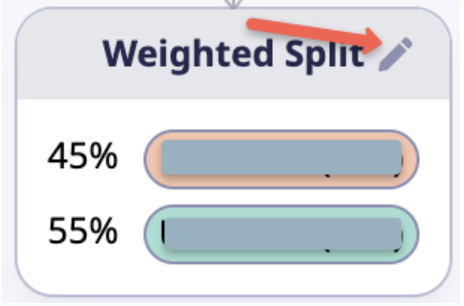
You can adjust the distribution percentages within a Weighted Split node.
To update routing weights:
- Click the Edit (pen) icon in the title bar of the Weighted Split node.
- In the pop-up, enter the new percentage values.
- Click Save.
Updated about 1 month ago
Did this page help you?